
Open the product
Each offer already has its own page, price, and link.
Every WhatsApp button names the exact product or article, so the chat opens with context.
Documented setups. Confirmed on WhatsApp.
Verified BM Sellers lists verified Meta Business Manager options, WhatsApp Business API tiers, and ads-account setups. Pick a product, tap WhatsApp, and the message already includes the name, price, and page link.
What we deliver
How it works
Each offer already has its own page, price, and link.
The draft names that product so the chat starts with context.
Delivery and replacement stay on that same thread.
Questions after delivery go back to the same WhatsApp number.
What we offer
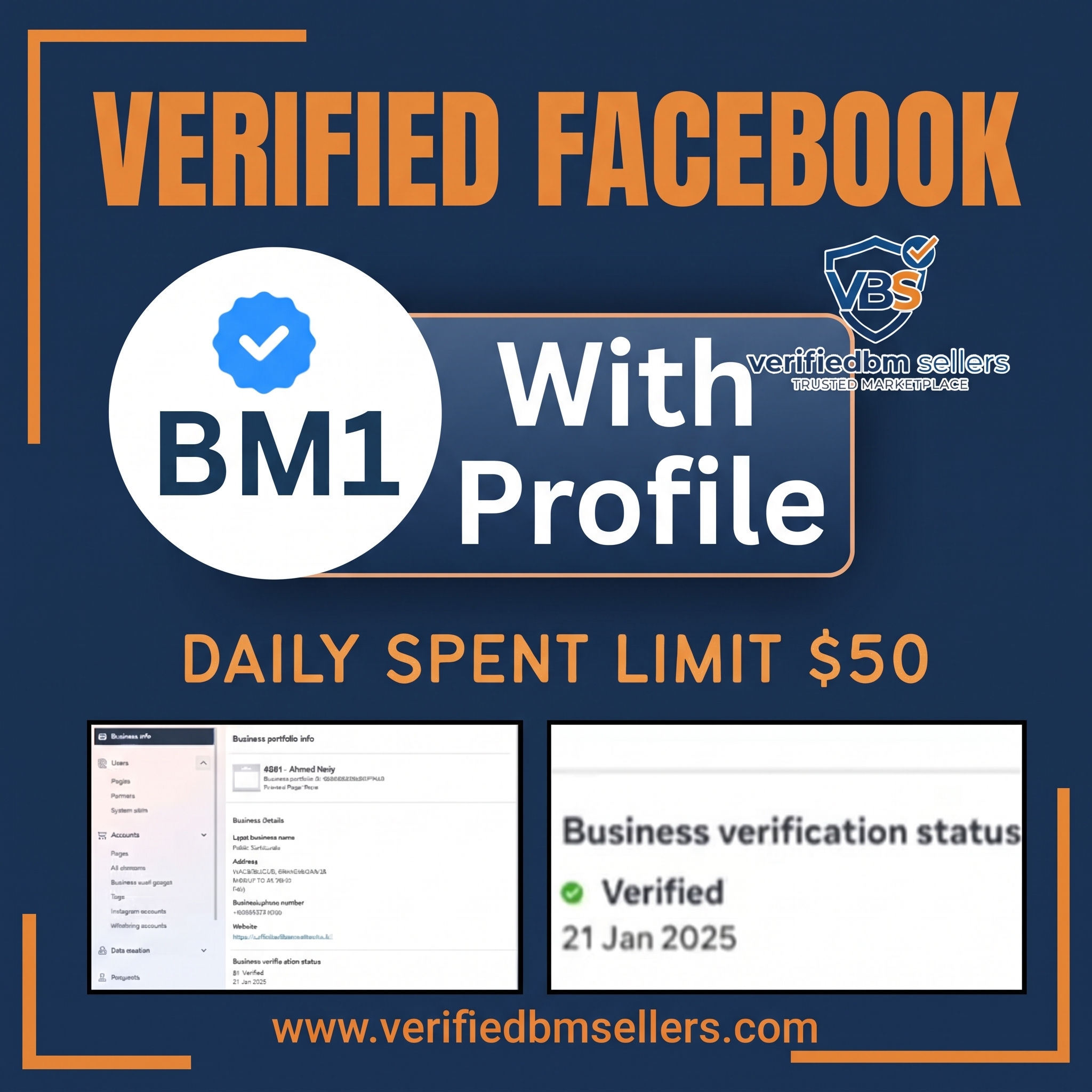
A verified Business Manager 1 package that also includes a profile for the handover.
Buy on WhatsApp
WhatsApp Business API at a 2,000 conversation limit, sold with a profile.
Buy on WhatsApp
A verified Business Manager prepared for WhatsApp Business API at a 2,000 daily conversation limit.
Buy on WhatsApp
A verified Business Manager with WhatsApp Business API at a 10,000 daily conversation limit.
Buy on WhatsApp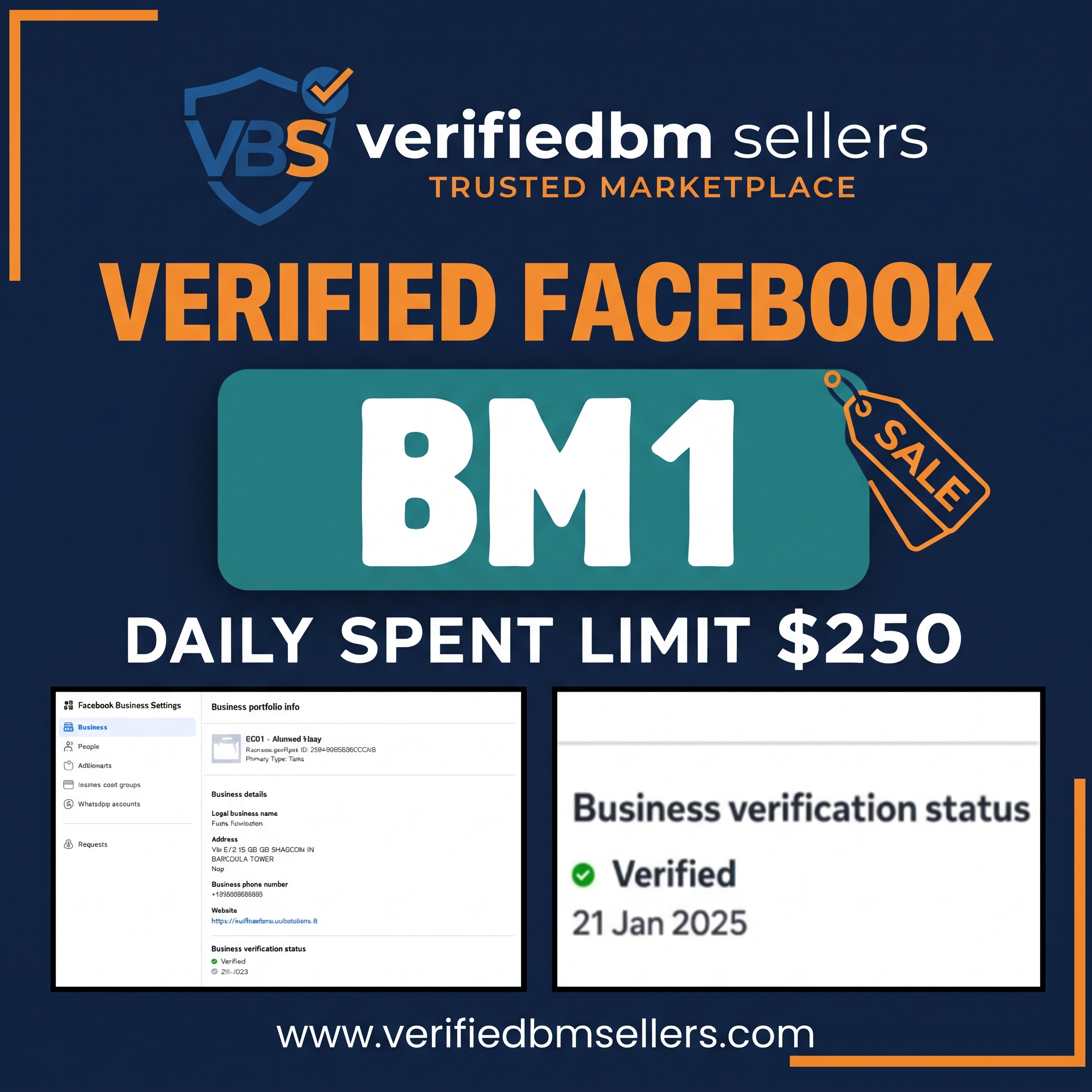
The lower-priced Verified BM 1 desk for pages, ad slots, and team access.
Buy on WhatsApp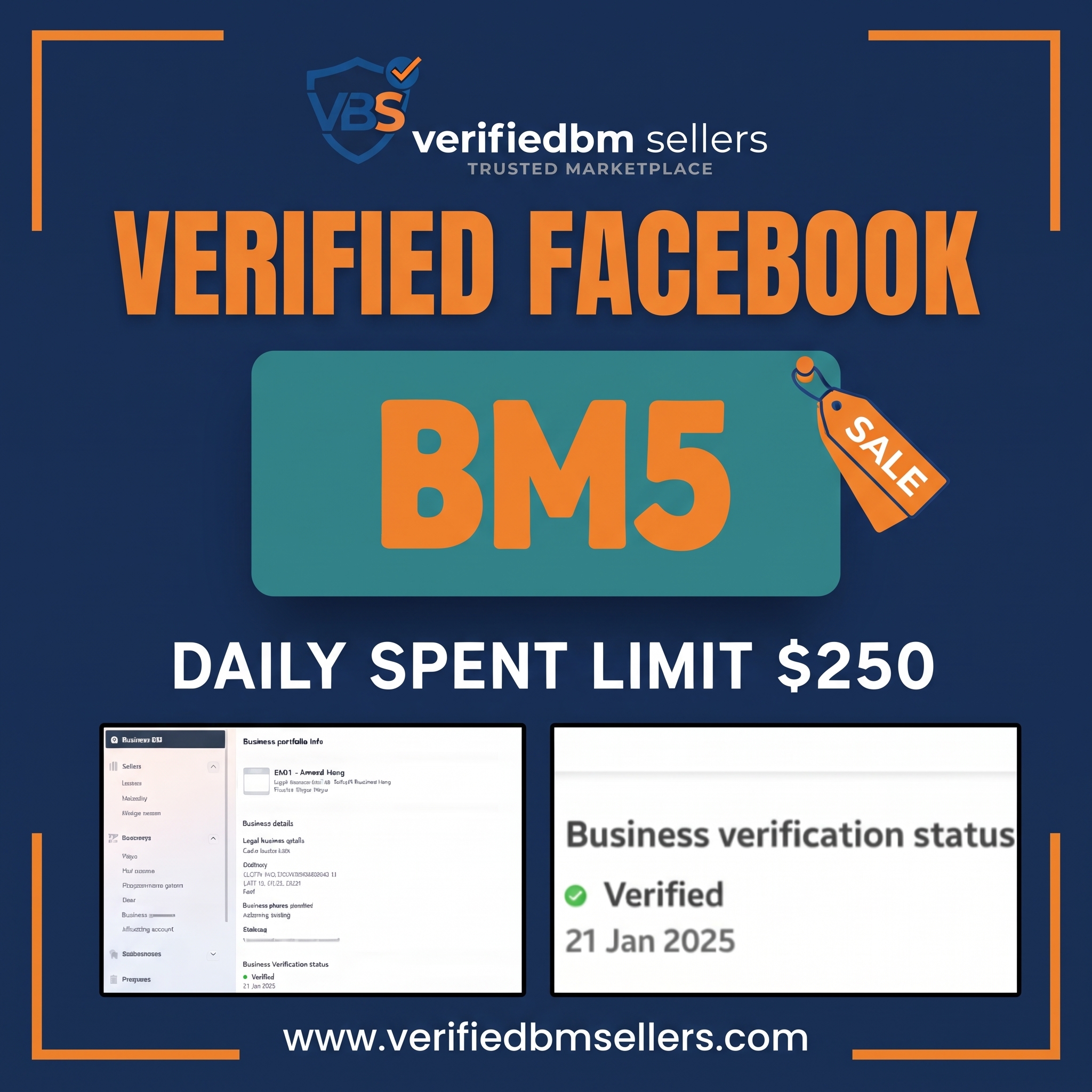
Verified Business Manager with five ad-account slots and a $250 starting daily spend.
Buy on WhatsApp
WhatsApp Business API at a 250 conversation limit, sold with a profile.
Buy on WhatsApp
A verified Business Manager with WhatsApp Business API at a 250 daily conversation limit.
Buy on WhatsApp
Verified WhatsApp Business API access listed at a 100K messaging limit.
Buy on WhatsApp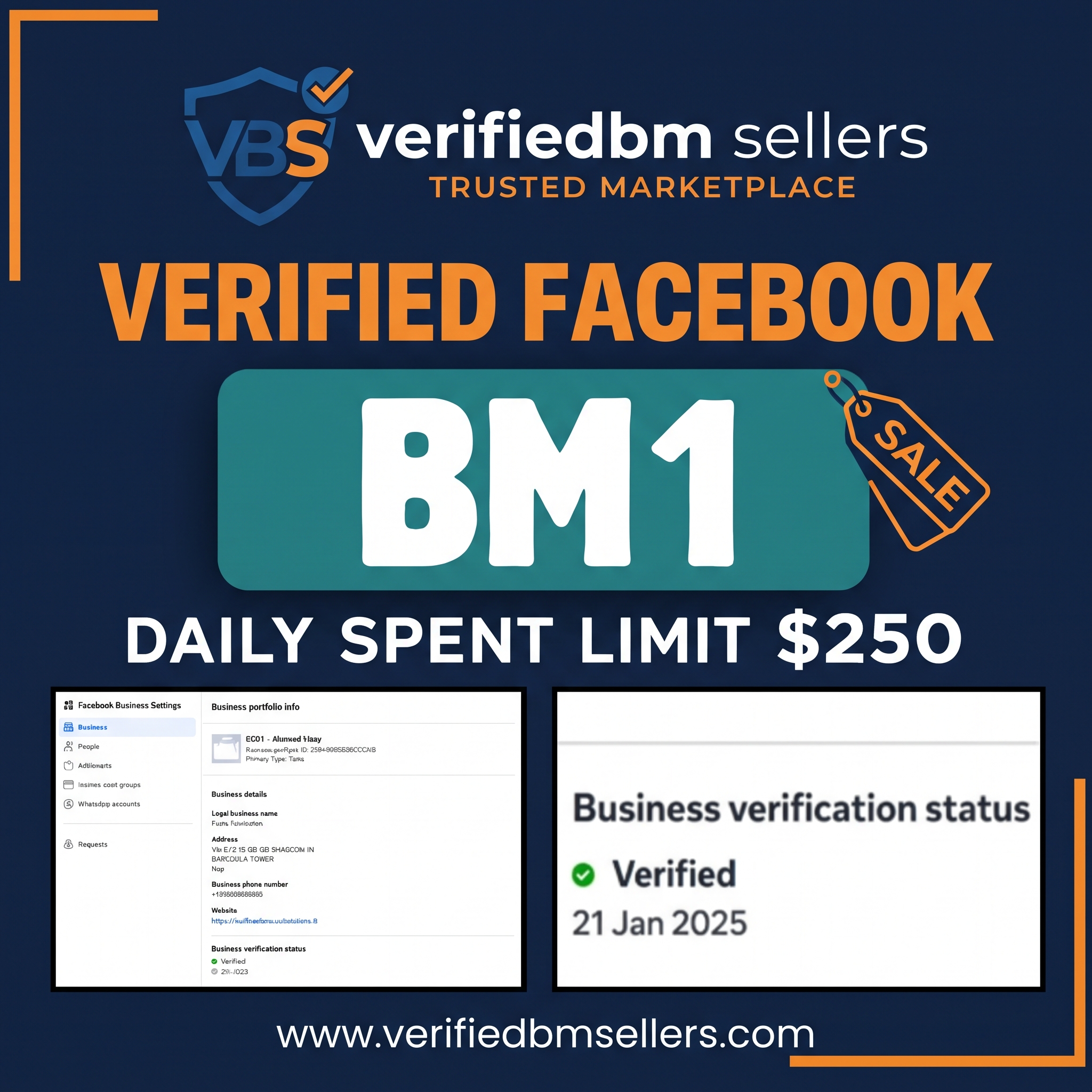
The mid-priced Verified BM 1 desk, same name as the $25 listing, different handover price.
Buy on WhatsApp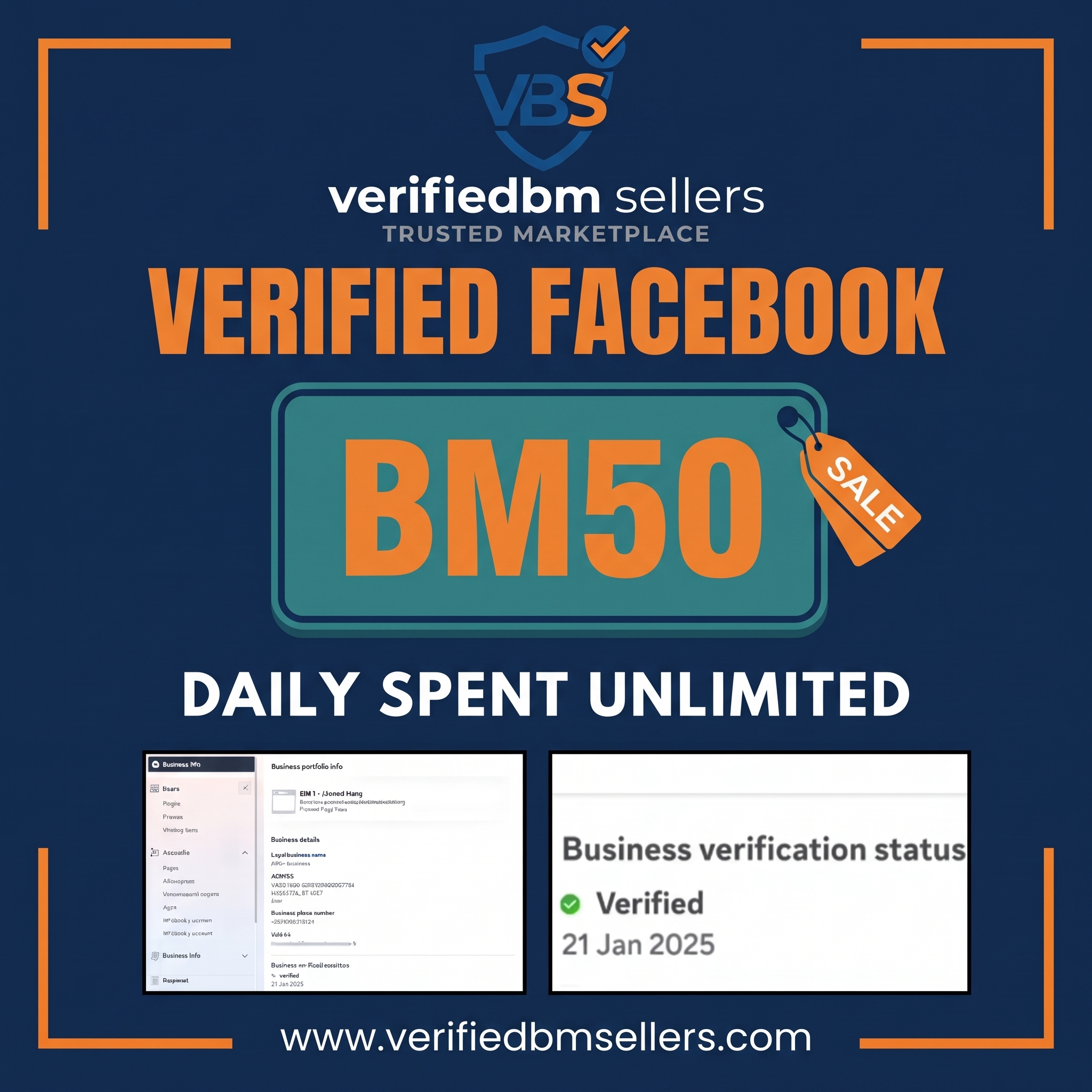
The high-capacity verified Business Manager listed as BM 50.
Buy on WhatsApp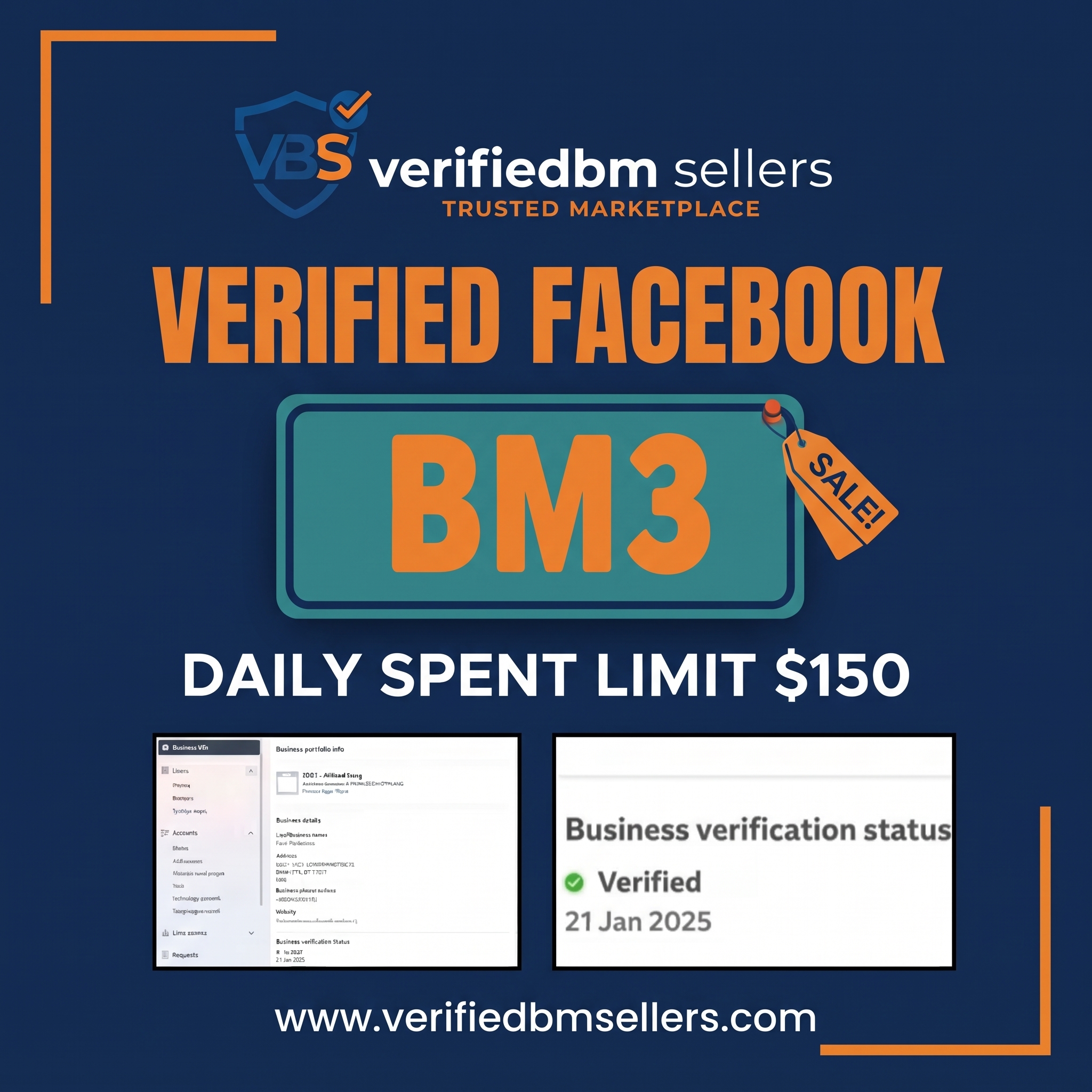
Verified Business Manager with three ad accounts.
Buy on WhatsApp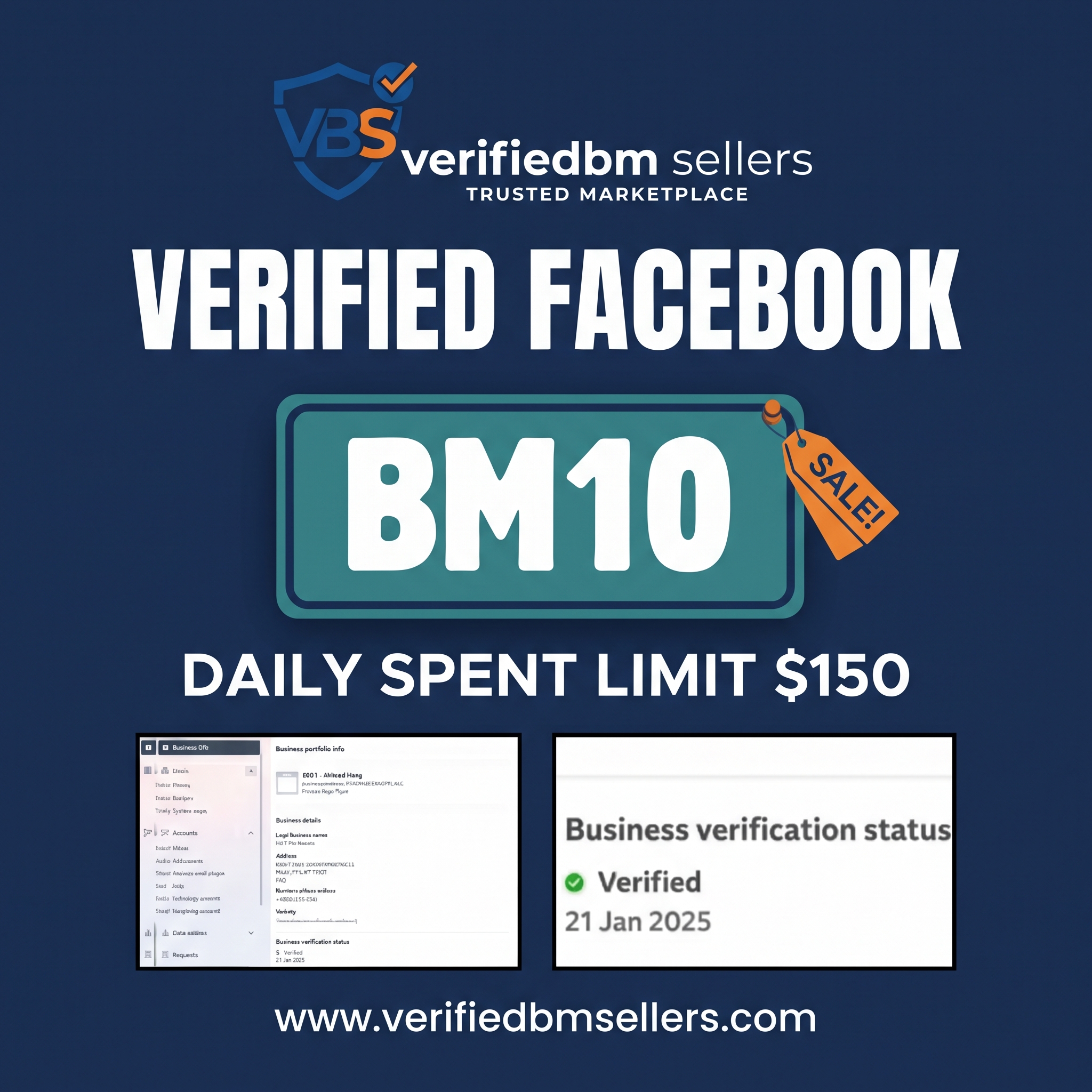
Verified BM 10 with a $350 starting daily spend and several ad-account slots.
Buy on WhatsApp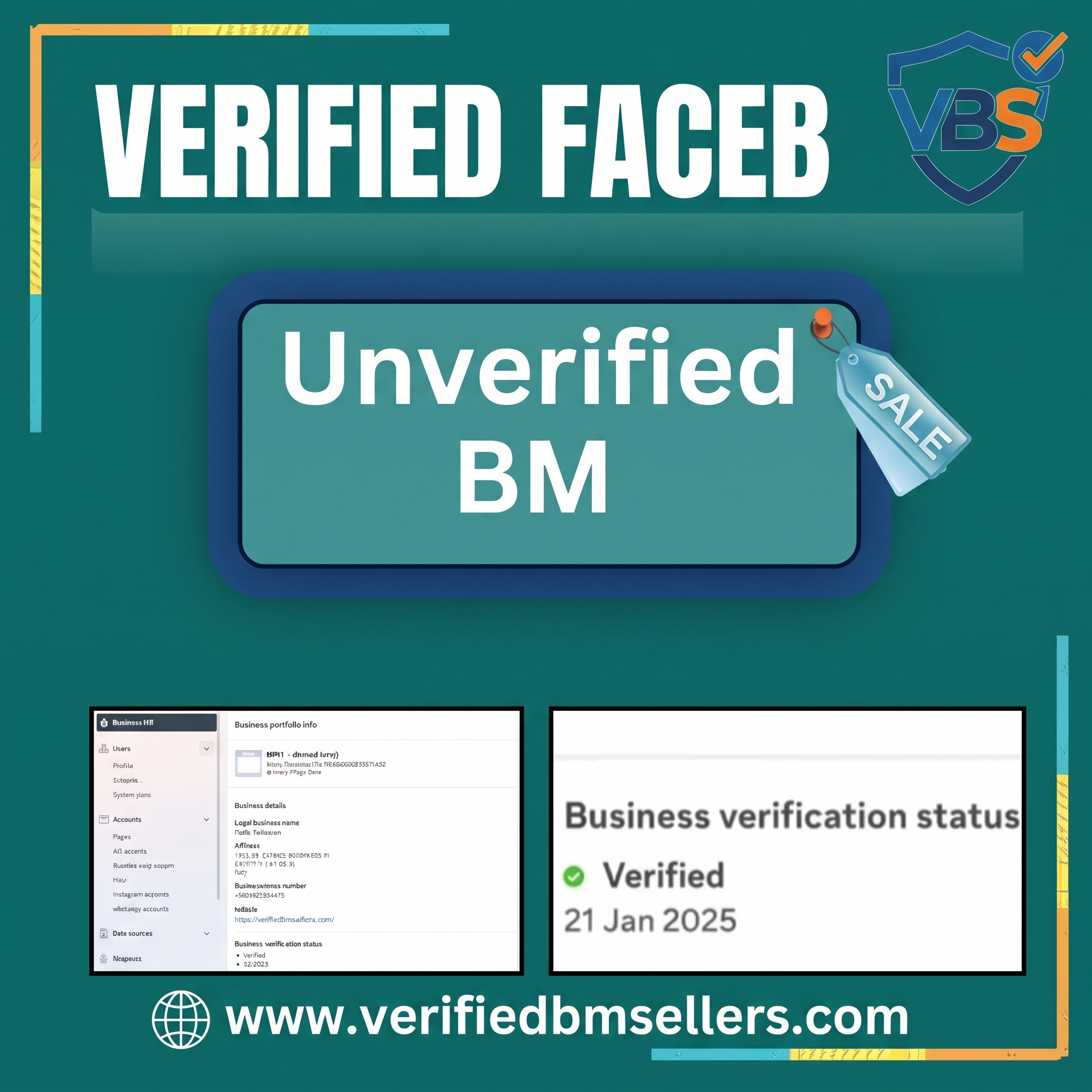
A basic Business Manager that has not completed business verification.
Buy on WhatsApp
Support for asking Meta to review a Facebook profile that was restricted.
Buy on WhatsApp